Water eject · Phone speaker cleaner · iPhone & Android

Phone speaker cleaner
and water eject

Wet speaker? Wring it out.

Remove water from your phone speaker in about a minute, loosen dust with sound, test audio, and generate exact tones. Built for iPhone and Android.

iPhone & Android Apple Watch & Siri Nothing leaves your phone

Water eject

Out in about a minute
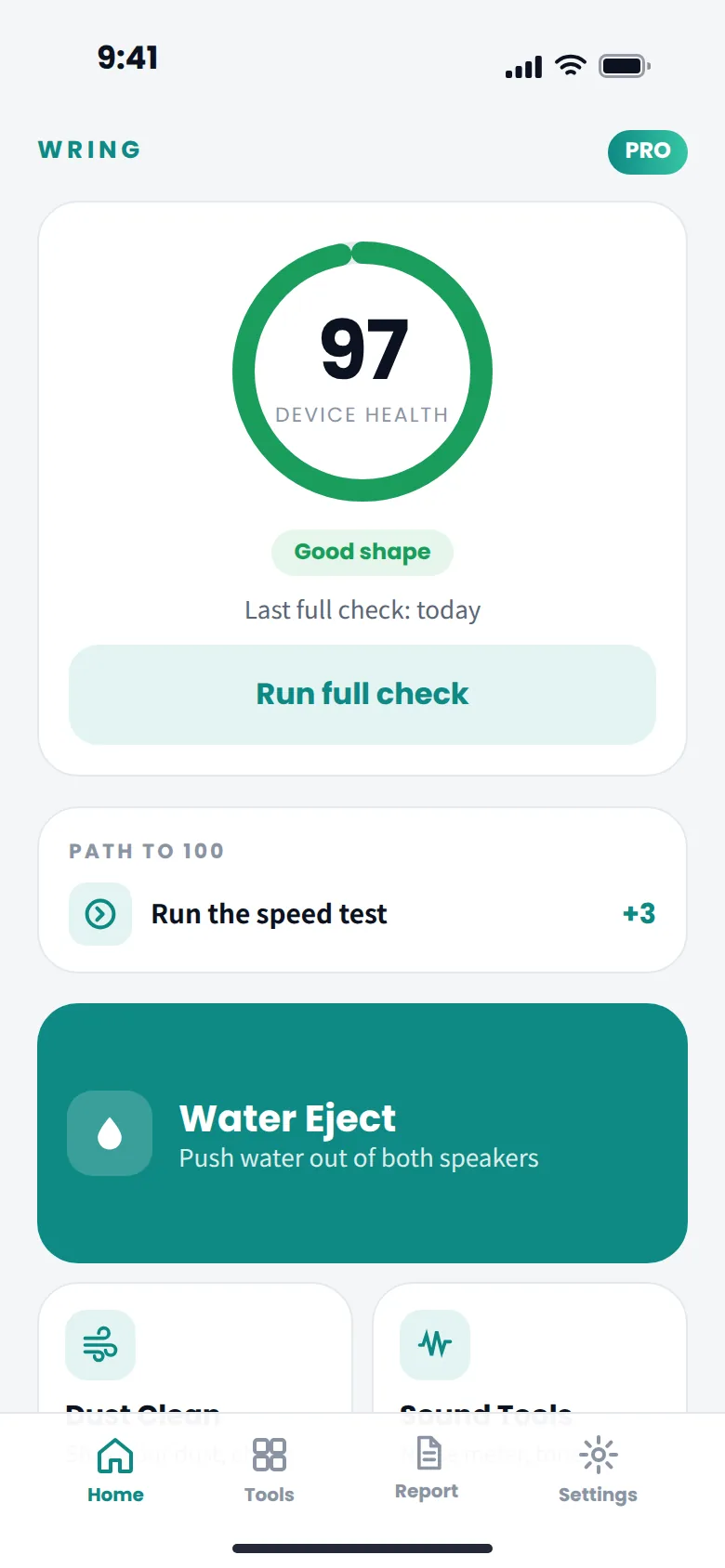
Wring home screen with a device health score of 97
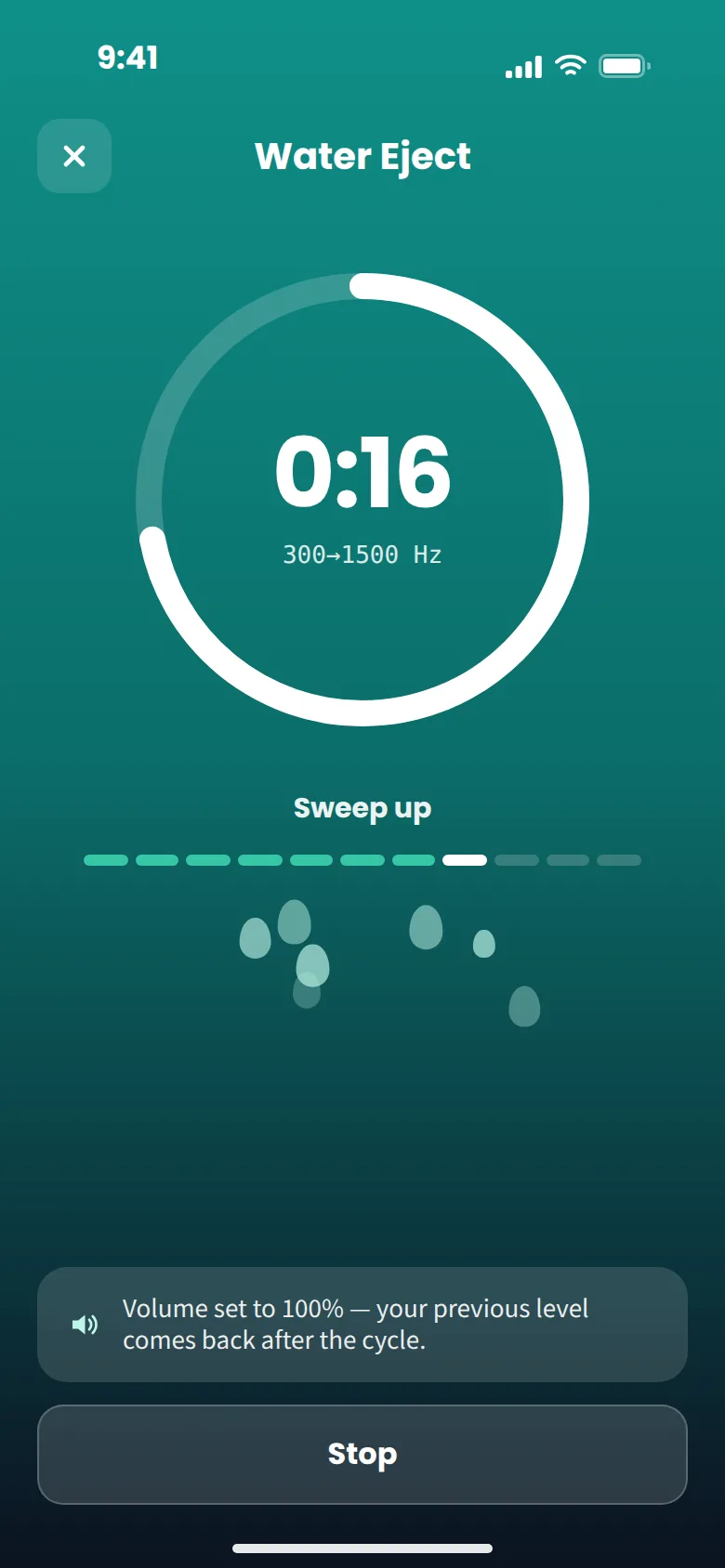
Sweep up300 → 1500 Hz
Speaker clearBoth speakers · 0:58

How it works

Three taps, one minute.

No cotton swabs, no rice, no hair dryer. A controlled sound cycle makes the phone speaker membrane do the pushing.

Put it face down

The position coach watches the phone's tilt and starts a 3-2-1 countdown once the speakers point at the table — the way out for water.

Let the cycle run

Full-amplitude pulses and 110–900 Hz sweeps drive both speakers for about a minute. The volume goes to 100% for the cycle and comes back afterwards.

Tap "Yes, clear"

Play something. Still muffled? Run it again — a soaked speaker sometimes needs two rounds. Your answer goes into the phone's health score.

What's inside

One app for the whole phone.

The speaker is where it starts. Wring also checks the things you'd otherwise pay a repair shop to look at.

Water eject

Water out of both speakers

A low pass for the bottom speaker, a shorter high pass for the earpiece, phone face down. About sixty seconds, then a straight question: is it clear?

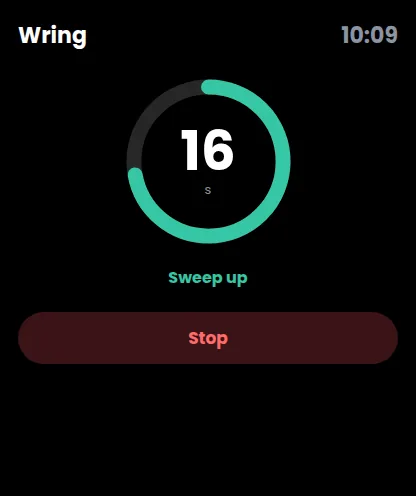
Water eject cycle running: 0:16 left, sweeping 300 to 1500 Hz

Dust clean

Crackle? Dust shaken loose with sound

A 35-second shake for the grille — nothing to poke, nothing to spray.

Speaker test & tone generator

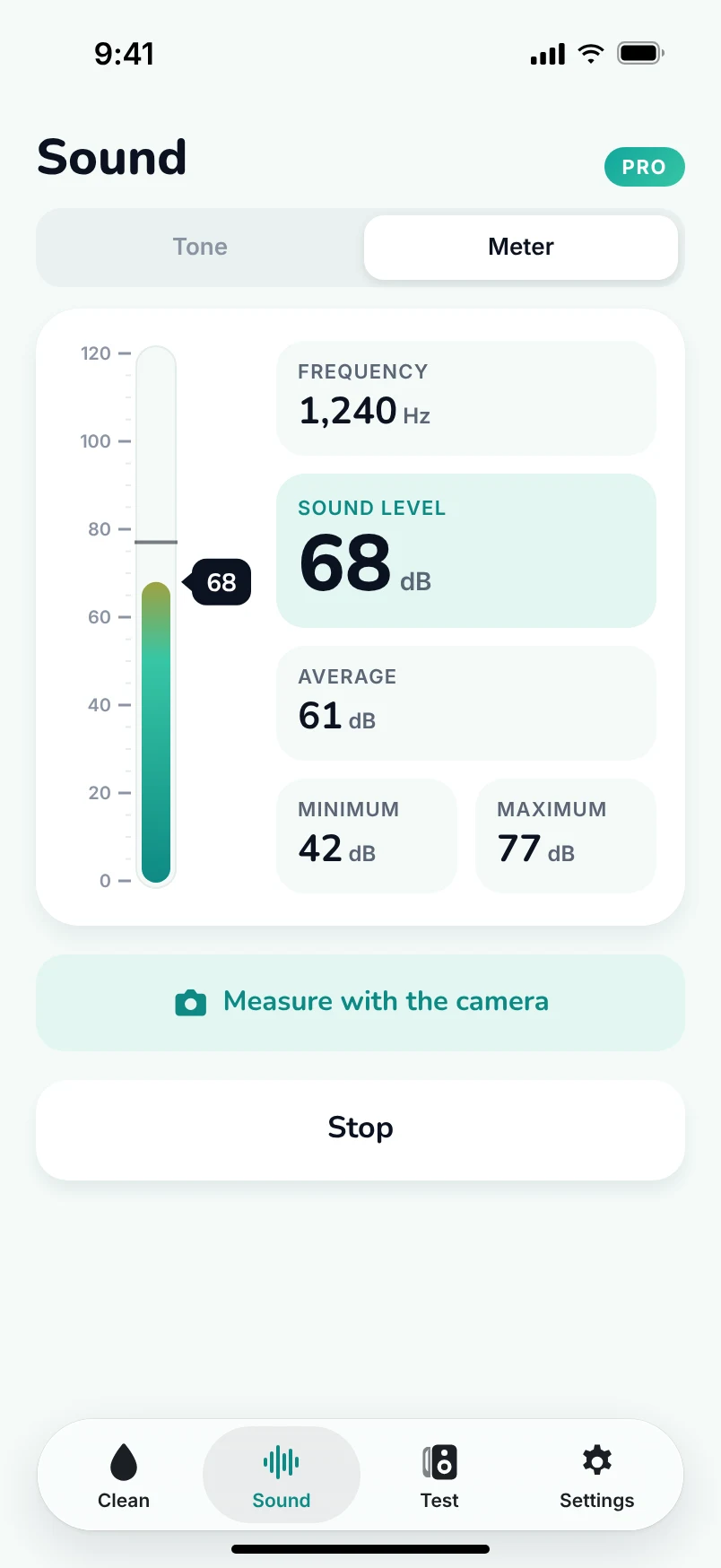
Test audio and generate exact frequencies

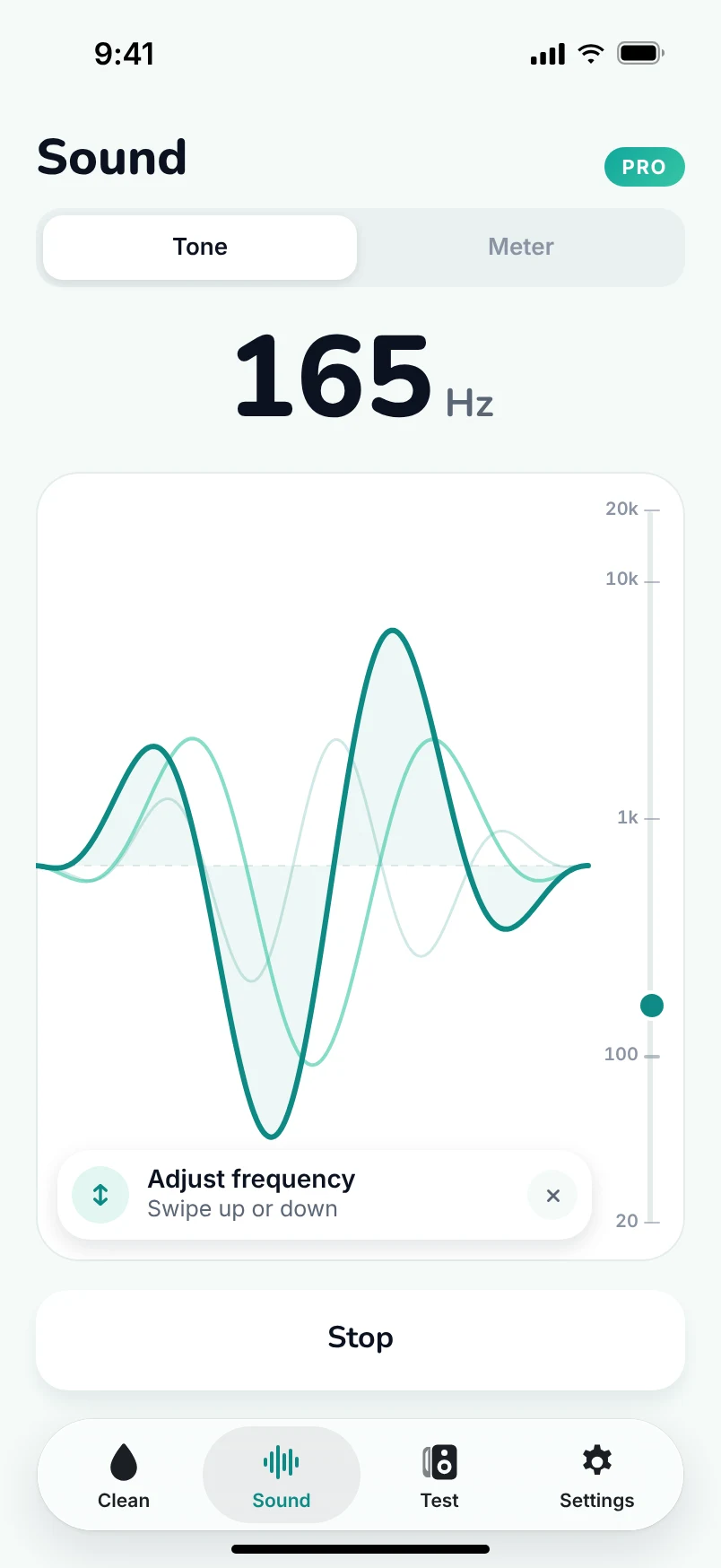
Check speaker output, then generate precise sound tones in Hz or kHz for audio testing, tuning and frequency experiments. Explore the tone generator →

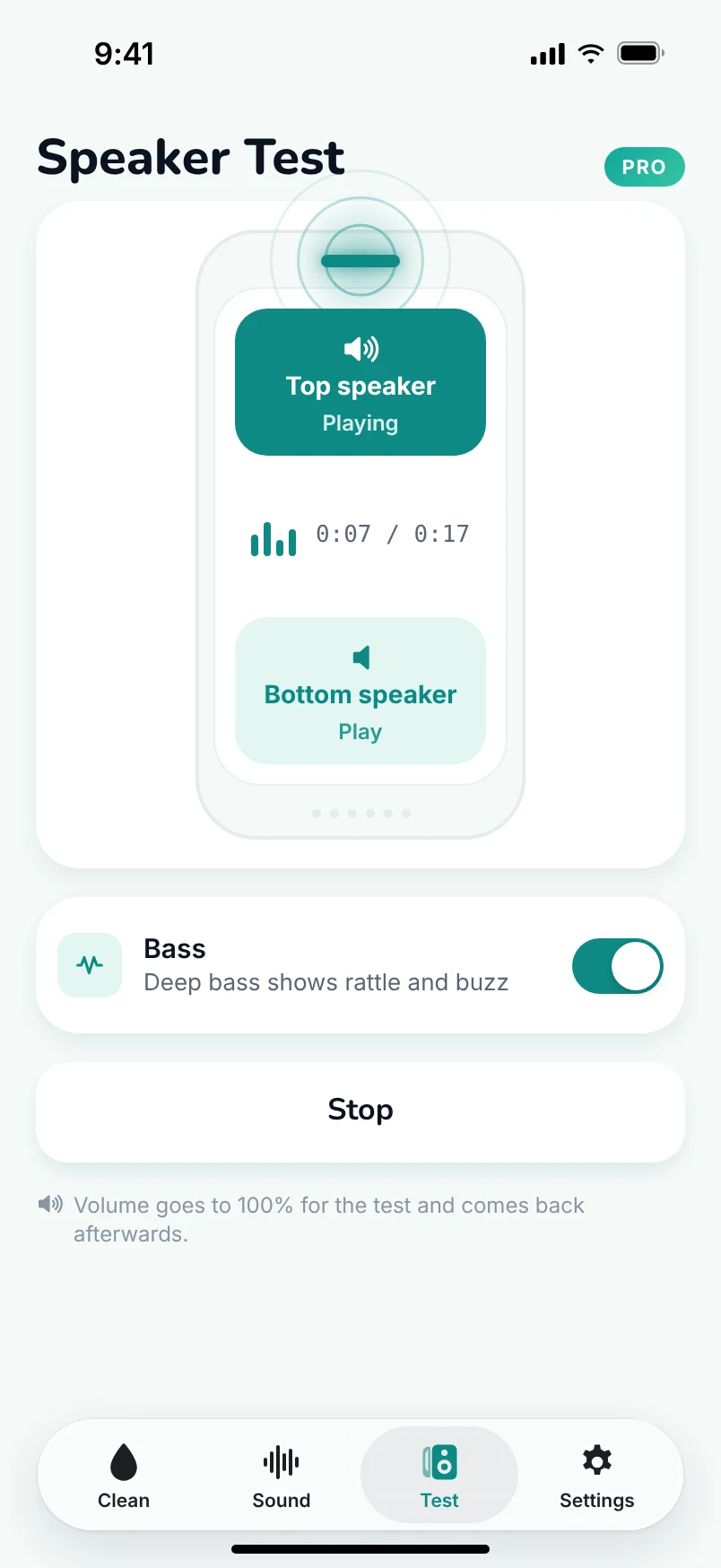
Speaker test with the top speaker on and the bottom off

Storage

Storage full again?

Duplicates, screenshots and big videos found on the device, reviewed by you, gone in a tap. Nothing is deleted without confirmation.

Storage screen: 48.2 GB free, duplicates, screenshots and large videos to clear

Device health

One number for the whole phone

Speakers, storage, screen, sensors, network — and a "path to 100" that says exactly what to fix.

97DEVICE HEALTH

Wrist & voice

Wet hands? Start from your Apple Watch — or ask Siri.

The Watch app starts a cycle on the phone (or plays one on its own speaker). Widgets on the home screen, Shortcuts for the rest.

"Hey Siri, dry my speaker with Wring""Hey Siri, check my phone with Wring"
Wring on Apple Watch running a cycle

Checks

The rest of the repair-shop checklist

  • Screen testdead pixels, touch grid
  • Sensor checkmic, cameras, gyro, GPS, Bluetooth, NFC, Face ID
  • Network speeddownload, upload, ping, jitter
  • Monthly reportscore history, one reminder a month

Why it works

Sound is a pump.

A speaker is a membrane. Drive it hard at low frequencies and it moves the air in the grille back and forth — enough to break the surface tension holding droplets in the mesh and push them out. Apple Watch does the same thing after a swim.

110–900 Hzsweeps both ways, gated strokes
~60 sa full water cycle, both speakers
100%volume for the cycle, then restored
0 ultrasoundaudible frequencies only — nothing your speaker isn't built for
  • Anti-aliased pulses at full amplitude — the membrane travels its whole range, not a clipped square wave.
  • Two speakers, two programs — the bottom grille and the earpiece get different passes; the phone lies face down so gravity helps.
  • Haptics in step — the Taptic Engine shakes the body along with the sound to loosen what sits in the mesh.
  • Runs with the screen locked — put it down and walk away.

Wring Pro

Unlimited cycles and every tool.

Compare Wring Pro plans and choose the option that fits how often you need it.

Weekly
$9.99/week
3 days free, then $9.99 a week
  • Everything in Pro
  • For the one wet weekend
or buy on the web →
Best value
Yearly
$39.99/first year
then $49.99 a year — about 11¢ a day
  • Unlimited water & dust cycles
  • Speaker test, storage, screen, sensors, network
  • Monthly health report
  • Apple Watch & Siri
or buy on the web →
Monthly
$12.99/month
Billed monthly
  • Everything in Pro
  • Month by month
or buy on the web →

FAQ

Questions people ask before the first cycle.

Does it actually get the water out?
For water sitting in the speaker grille — after a shower, rain, a pool, a sink — yes, that is exactly what the cycle is built for, and most phones sound clear after one run. It cannot dry water that has gone inside the phone; if the phone was submerged, power it off, let it dry, and see a repair shop.
Does Wring include a tone and frequency generator?
Yes. Wring includes a tone generator for creating precise audio frequencies in Hz and kHz. Use it as a sound generator for speaker testing, tuning and frequency experiments. Learn more on the tone generator page.
How soon should I run it?
As soon as you notice the muffled sound. Water that sits in the mesh dries into mineral spots that dull the speaker for good. Wipe the outside, put the phone face down, start the cycle.
Is it safe for my speaker? It's loud.
The cycle uses audible frequencies at the speaker's normal playback level — the same level a full-volume song plays at, just aimed at pushing water. No ultrasound, no overdriving. The volume goes to 100% for the cycle and your previous level comes back afterwards. Keep the phone away from your ear while it runs.
Still muffled after a cycle?
Tap "Still muffled" and the app runs it again — a soaked grille sometimes needs two rounds. If a speaker is quiet even after that, the speaker test tells you which one, and whether it's the speaker at all.
Does it work on iPad?
Yes. The cycles and every check run on iPad too; the speaker test plays through all of the iPad's speakers at once, since an iPad has no top/bottom pair in the phone sense.
Do I need an internet connection?
Only for the network speed test and for the App Store or Google Play to confirm your subscription. The cycles, the speaker test, storage cleanup and the sensor checks all work offline.
What happens to my data?
Nothing leaves your phone. There are no accounts to create, no analytics, no ads. The microphone is used only for the noise meter and the microphone check and is never recorded. The photo library is scanned on the device and nothing is deleted without your confirmation. See the Privacy Policy.
How do I cancel or get a refund?
App Store subscriptions are managed by Apple in Settings › Apple ID › Subscriptions; request Apple refunds at reportaproblem.apple.com. Google Play subscriptions are managed at Google Play › Payments & subscriptions › Subscriptions; refund eligibility and requests are handled through Google Play Help. Web subscriptions are managed through the link in your receipt e-mail, or by writing to support@wringdry.app.

Free to try

Put the phone face down. We'll do the rest.

Three days free on the weekly plan. Available for iPhone and Android.

WringWater eject for iPhone & Android
Get the app